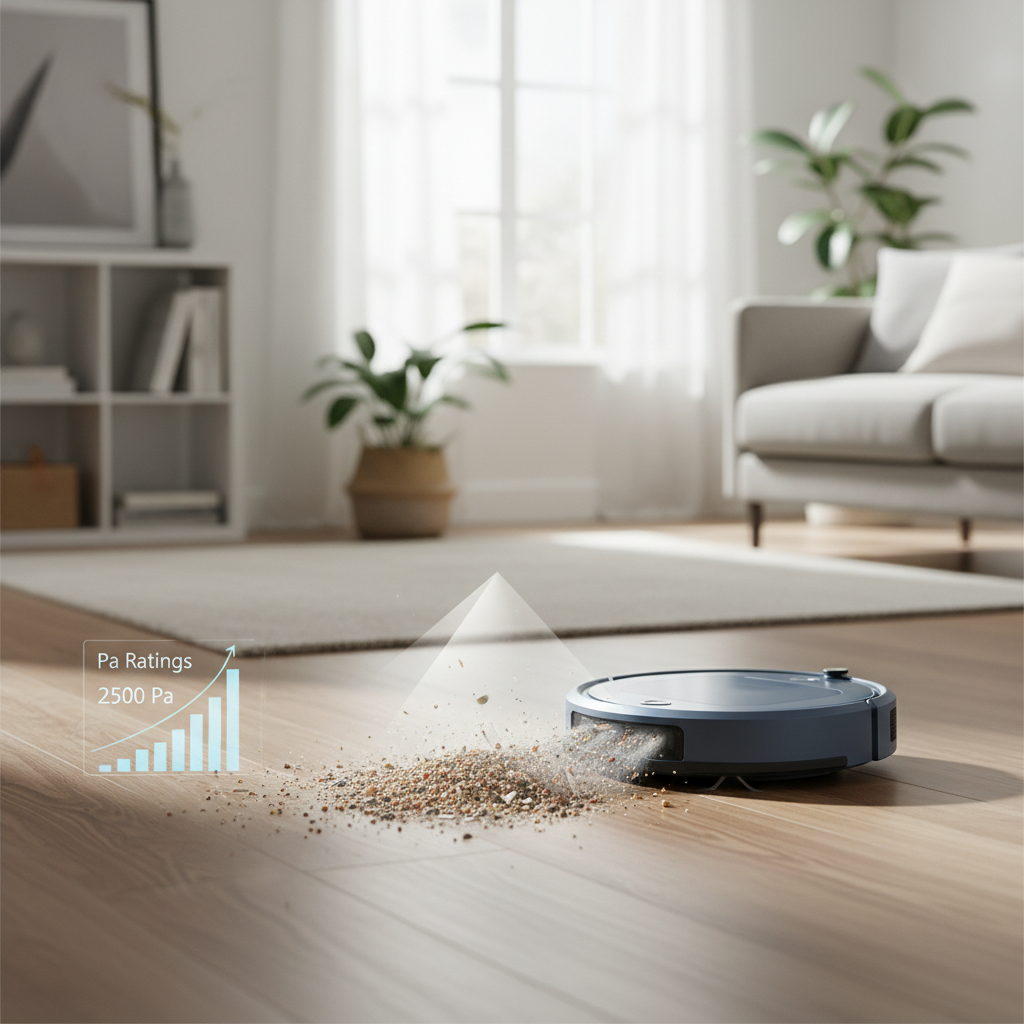
A robot vacuum cleaner has become an indispensable helper in modern homes, diligently keeping floors spotless with minimal effort. However, the unsung hero of this automated cleaning system is often overlooked: its docking station. This unassuming hub is not just where your robot recharges; for many advanced models, it’s also where it empties its dustbin, refills its water tank, and even cleans its mop pads. Ensuring your robot vacuum docking station remains pristine is crucial for the longevity, efficiency, and overall performance of your smart cleaning companion.
What is a Robot Vacuum Docking Station?
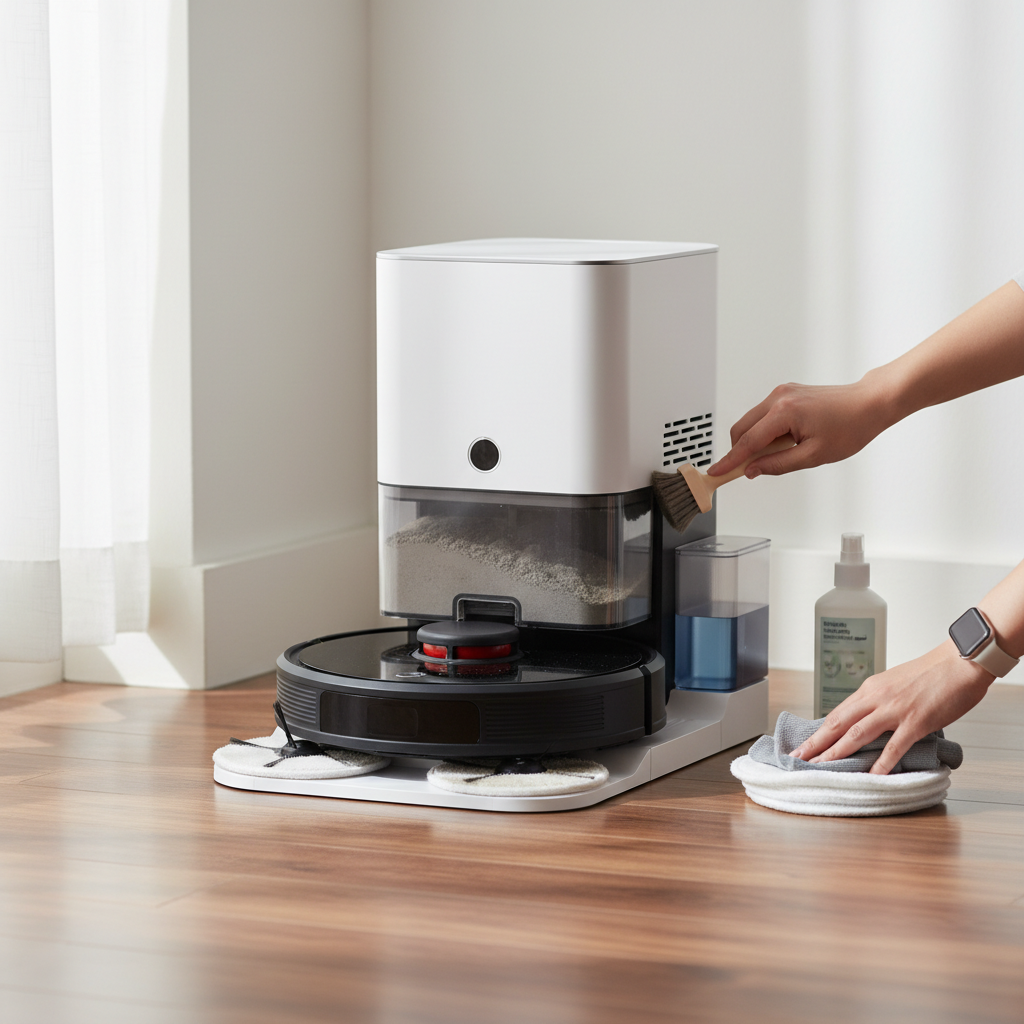
At its core, a robot vacuum docking station serves as the robot’s home base. It’s the designated spot where the robot returns to recharge its battery after completing a cleaning cycle or when its power runs low. Beyond basic charging, modern docking stations have evolved significantly. Many feature automatic dirt disposal, emptying the robot’s dustbin into a larger bag or container within the dock. More advanced models also include capabilities for refilling the robot’s clean water tank and even washing and drying its mopping pads, ensuring the robot is always ready for its next task with minimal human intervention.
Why is Docking Station Cleanliness Important?
Neglecting the cleanliness of your robot vacuum’s docking station can lead to a cascade of issues, diminishing its effectiveness and potentially shortening its lifespan. A clean docking station is fundamental for several reasons:
- Optimal Charging Efficiency: Dust and debris can accumulate on the charging contacts of both the robot and the dock, hindering the electrical connection. This can lead to slow charging, incomplete charging cycles, or even the robot failing to charge altogether, leaving it unprepared for its next clean.
- Seamless Self-Emptying and Washing: For docks equipped with self-emptying or self-washing features, cleanliness is paramount. Blockages in the dirt disposal chute or residue buildup in water tanks and washing basins can prevent these functions from operating correctly. This can result in a robot unable to empty its bin, a dirty mop pad, or even the dock making unusual noises due to obstructions.
- Enhanced Hygiene and Air Quality: Dirty water tanks can become breeding grounds for mold and bacteria, leading to unpleasant odors and potentially impacting indoor air quality. Regular cleaning prevents these issues, ensuring fresh water is used for mopping and that dirty water is disposed of hygienically.
- Prolonged Device Lifespan: Regular maintenance protects the delicate sensors and moving parts within the docking station from wear and tear caused by dirt and grime. This proactive approach can prevent costly repairs and extend the operational life of both your robot and its home base.
- Consistent Performance: A well-maintained docking station ensures your robot vacuum consistently operates at its peak, providing reliable cleaning results every time.
Essential Components to Clean and How
Maintaining your docking station involves focusing on specific components that are prone to dirt and debris buildup. Here’s a breakdown of what to clean and the best methods:
- Charging Contacts and Sensors: These are vital for power transfer and navigation.
- How to Clean: Use a clean, dry cloth, preferably microfiber, to gently wipe the charging contacts on both the robot and the docking station. Also, clean any visible infrared (IR) windows or visual docking targets on the station.
- Frequency: At least every two weeks, or as needed if charging issues arise.
- Dustbin/Debris Bag Drawer: For self-emptying docks, this is where accumulated dirt goes.
- How to Clean: Remove the debris bag drawer (if applicable) and replace the bag when full, as indicated by the dock’s LED or app. Wipe down the interior of the drawer and the surrounding area with a dry cloth to remove any residual dust or grime.
- Frequency: As prompted by your device or as visibly needed.
- Clean and Dirty Water Tanks (for mop-equipped robots): These are essential for the mopping function.
- How to Clean: Remove both tanks from the dock. Empty the dirty water tank and rinse both tanks thoroughly with warm water. For stubborn residue, use a mild soap and a soft sponge. Refill the clean tank with fresh water before returning it to the dock.
- Important Note: Do not put these tanks in the dishwasher. Ensure the latches are securely closed before reinstallation.
- Frequency: Rinse and refresh water as needed, typically after each mopping session.
- Pad Washing Basin and Roller (for self-washing docks): This area can accumulate significant residue from mop pads.
- How to Clean: Carefully remove the pad washing roller and any associated filters. Wipe out the pad washing basin and the liquid overflow basin with a clean, dry cloth. For stubborn debris, a mild soap and sponge can be used. Ensure the drainage port is clear of obstructions. Wash the roller and filter under warm water with mild soap, then pat them dry completely before reinstalling.
- Frequency: If visibly dirty, at least once a month, or as indicated by your robot’s app.
- General Exterior and Interior Surfaces:
- How to Clean: Use a dry or slightly damp cloth to wipe down the exterior surfaces of the docking station. For internal areas where dust might settle, a soft brush or a small vacuum cleaner attachment can be useful.
- Frequency: As needed to keep the station free of visible dust and debris.
“A well-maintained docking station is the cornerstone of an efficient robot vacuum system. Ignoring it is like owning a high-performance car but forgetting to refuel.” – Admin, ReviewEvoli, Robot Vacuum Expert
Tools and Products for Cleaning
Gathering the right tools makes the cleaning process much easier and safer for your device:
- Clean, Dry Microfiber Cloths: Ideal for wiping sensitive surfaces like sensors and charging contacts without scratching or leaving lint.
- Soft Brush: Useful for dislodging dust and debris from crevices, charging pins, and within the pad washing basin.
- Warm Water: Essential for rinsing tanks and washing components.
- Mild Soap: A gentle, non-abrasive soap for tackling stubborn stains and residue in water tanks and basins.
- Small Vacuum Cleaner (with attachments): Handy for sucking up loose dust and debris from hard-to-reach areas.
Always avoid harsh chemicals, abrasive cleaners, or excessive moisture, especially near electronic components, as these can damage your docking station.
Step-by-Step Guide to Cleaning Your Docking Station
Follow these steps for a thorough cleaning of your robot vacuum’s docking station:
- Safety First: Unplug the Dock: Before touching any part of the docking station, always unplug it from the power outlet to prevent electrical hazards.
- Remove the Robot: Depending on your model, you might be able to use the robot’s app (e.g., “clean washboard base manually” or remote control options), press a home button on the dock or robot to make it undock, or gently slide the robot out of the station. If you manually remove it, consider turning the robot off before performing maintenance.
- Empty and Clean Water Tanks/Dustbin: If your dock has these features, remove and empty the clean and dirty water tanks, and the robot’s dustbin or the dock’s debris bag drawer. Clean them as described in the “Essential Components” section.
- Clean Charging Contacts and Sensors: Using a clean, dry microfiber cloth, carefully wipe the charging contacts on both the robot and the docking station. Extend this cleaning to any docking sensor windows or IR targets.
- Clean Pad Washing Basin and Roller (if applicable): Disassemble these parts as per your manual. Clean the basin, roller, and filter with warm water and mild soap if needed, ensuring no residue or obstructions remain. Dry thoroughly.
- Wipe Down Exterior and Interior: With a dry or slightly damp cloth, wipe all accessible exterior surfaces of the docking station. Use a soft brush or small vacuum to clear dust from internal areas.
- Reassemble and Reconnect: Ensure all tanks, rollers, and filters are properly reinstalled and latched. Plug the docking station back into the power outlet. Once powered, you can command your robot to return to its dock, or manually place it back, ensuring it connects properly.
Troubleshooting Common Docking Station Issues
Regular cleaning can prevent most issues, but sometimes problems arise. Here are quick fixes for cleanliness-related troubleshooting:
- Red LED Indicators: These often signal an issue. For instance, a solid red light might mean a clean tank is empty or a dirty tank is full. A flashing red light could indicate a clog in the dirt disposal path. Check and address the specific tank levels or clear any blockages.
- Robot Not Charging: If your robot isn’t charging despite being on the dock, the most common culprit is dirty charging contacts. Re-clean them meticulously with a dry cloth.
- Unusual Noises During Pad Wash/Dry: This usually points to debris caught in the pad washing basin or roller. Disassemble and clean these components thoroughly to restore smooth operation.
Conclusion
Your robot vacuum cleaner’s docking station is more than just a charger; it’s a sophisticated hub vital for maintaining your home’s cleanliness and your robot’s health. By dedicating a small amount of time to its regular maintenance, focusing on key components like charging contacts, water tanks, and self-cleaning basins, you ensure optimal performance, extend its lifespan, and prevent frustrating breakdowns. Embrace this simple routine, and your robot vacuum will continue to serve you effectively, making your life easier and your floors cleaner.
What regular maintenance tasks have you found most critical for your robot vacuum’s docking station?
Frequently Asked Questions
How often should I clean my robot vacuum docking station?
|
Our Picks for the Best Robot vacuum cleaner in 2026
As an Amazon Associate I earn from qualifying purchases.
|
||
| Num | Product | Action |
|---|---|---|
| 1 | roborock Qrevo Series Robot Vacuum and Mop, 8000Pa Suction, Upgraded from Qrevo S, Anti-Tangle Brushes, Smart Obstacle Avoidance, Auto Mop Washing, All-in-One Dock, 200RPM Spinning Mops, Black(QV 35A) |

|
| 2 | SHELIKI Robot Vacuum and Mop Combo, 3-in-1 Robotic Vacuums Cleaner with 70-Day Self-Emptying Base, LiDAR Navigation Smart Mapping & Strong 6000Pa Suction, for Pet Hair, Hard Floor, Carpet |
|
| 3 | Robot Vacuum and Mop Combo, 2 in 1 Robot Vacuum Cleaner with WiFi/App, Smart Robotic Vacuums with Strong Suction, Schedule, Self-Charging, Slim, Quiet, Ideal for Hard Floor, Pet Hair, Low Pile Carpet |
|
| 4 | roborock Q7 M5+ Robot Vacuum and Mop, Upgraded from Q5 Max+, Up to 7-9 Weeks Self-Empty, 10000Pa Suction, Dual Anti-Tangle System for Pet Hair & Carpet, PreciSense LiDAR Navigation, App Control, Black |
|
| 5 | Shark Matrix Clean | Robot Vacuum Cleaner with Powerful Suction for Pet Hair, Rugs, Carpets & Hard Floors | Self-Empty Base | 60-Day Capacity | Voice Control | LiDAR Navigation | Cool Grey | AV2511AE |
|
| 6 | Tikom Robot Vacuum and Mop, 6000Pa Robotic Vacuum Cleaner with Self-Emptying Base, 90 Days Capacity, LiDAR Navigation, Home Mapping, Ideal for Pet Hair, Hard Floors, Carpet (L8000 Plus) |
|
| 7 | ILIFE V2 Robot Vacuum Cleaner, Tangle-Free Suction, 120 Mins Runtime, Slim, Self-Charging Robotic Vacuum Cleaner, Ideal for Pet Hair and Hard Floors |
|
| 8 | Tikom Robot Vacuum and Mop Combo, 5000Pa Robotic Vacuum Cleaner, 150 Min Max, App & Remote Control, Ideal for Hard Floor, Carpet, Pet Hair, Self-Charge(G8000 Max) |
|
| 9 | Robot Vacuum and Mop, Mapping Robotic Vacuums Cleaner with LiDAR Navigation Smart & Strong Suction, WiFi/App/Alexa/Voice Control, Obstacle Avoidance, for Home, Wood/Hard Floors, Pet Hair -Gray |
|
| 10 | eufy Robot Vacuum 11S MAX, Super Thin, Powerful Suction, Quiet, Self-Charging Robotic Vacuum Cleaner, Cleans Hard Floors to Medium-Pile Carpets, Black |
|
The frequency depends on usage and model, but general guidelines include wiping charging contacts every two weeks, cleaning sensors and water tanks monthly, and replacing dirt disposal bags as prompted by the device. Self-washing components should be cleaned monthly or if visibly dirty.
Can I use household cleaners on the docking station?
It is generally recommended to use warm water and mild soap for components like water tanks and washing basins. For electronic parts such as charging contacts and sensors, use only a clean, dry microfiber cloth. Avoid harsh chemicals or abrasive cleaners, which can damage the device’s delicate components.
What happens if I don’t clean the docking station?
Neglecting docking station cleanliness can lead to charging failures due to dirty contacts, blockages in self-emptying mechanisms, and mold or odors from dirty water tanks. These issues reduce cleaning efficiency, can cause device malfunctions, and may shorten the lifespan of your robot vacuum.
How do I remove the robot from the dock for cleaning?
Most robot vacuums can be removed from their dock either by using a specific command in the companion app (e.g., “clean washboard base manually” or remote control), by pressing the ‘home’ button on the robot or dock (which may undock it), or by gently sliding it out. Always unplug the dock first for safety.