Robot vacuums have become indispensable household helpers, tirelessly keeping our floors spotless. Yet, the heart of their efficiency and convenience lies in a crucial component: the battery. Just like any other electronic device, a robot vacuum cleaner’s battery health dictates its performance, cleaning duration, and overall lifespan. Neglecting proper battery care can lead to frustratingly short runtimes, incomplete cleaning cycles, and a premature need for costly battery replacements. This comprehensive guide will equip you with practical, expert-backed strategies to significantly extend your robot vacuum’s battery life, ensuring it delivers peak performance for many years.
Understanding Your Robot Vacuum’s Battery
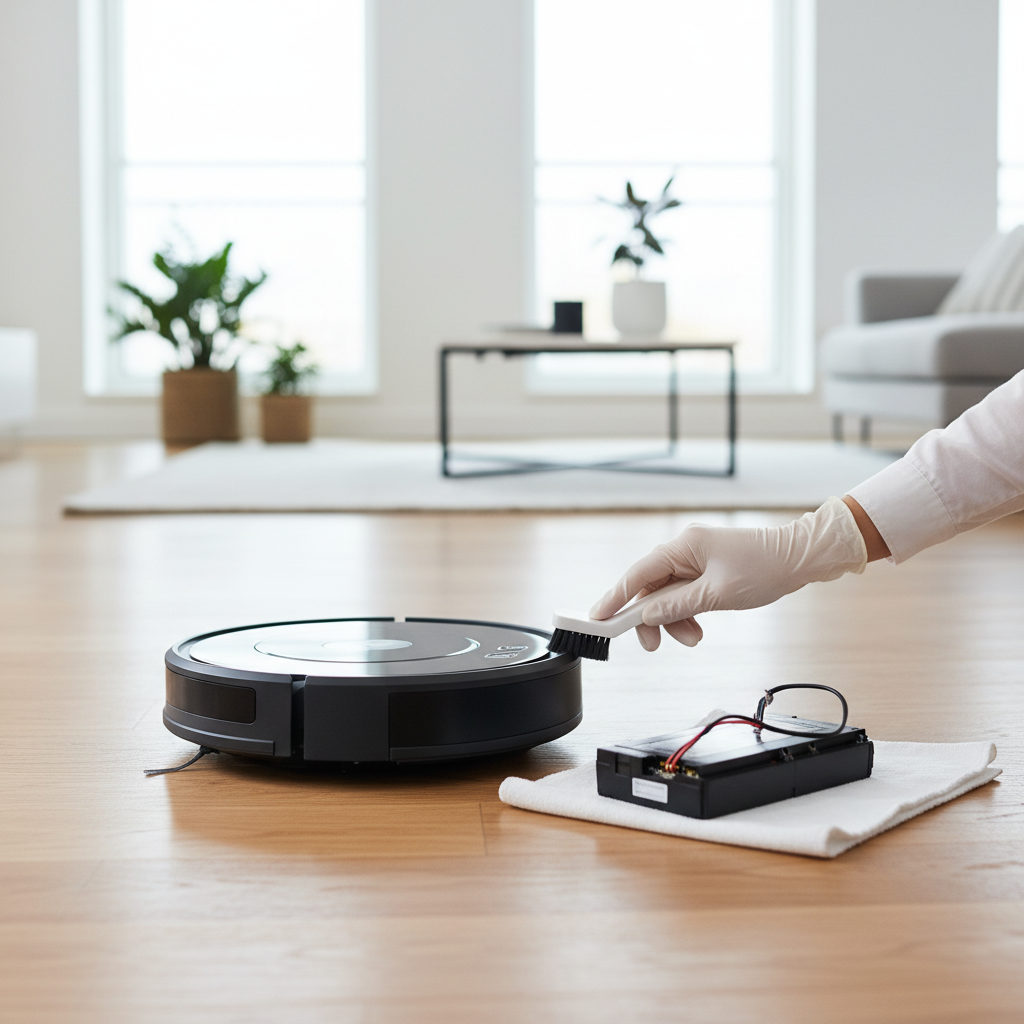
At the core of almost every modern robot vacuum is a sophisticated lithium-ion (Li-ion) battery. These batteries are favored for their high energy density, lightweight design, and lack of a “memory effect” found in older battery technologies. Li-ion batteries power everything from smartphones to electric vehicles, and they excel at delivering consistent power for extended periods. However, they are also subject to a natural degradation process over time, influenced by charge cycles, usage patterns, and environmental conditions. Understanding these characteristics is the first step in effective battery management.
Why Robot Vacuum Battery Health Matters
Maintaining your robot vacuum’s battery health is not just about saving money on replacements; it directly impacts the device’s cleaning efficiency and the convenience it offers. A healthy battery ensures your robot can complete its programmed cleaning routes without needing frequent recharges, covering more ground and thoroughly tackling dirt and debris. When a battery degrades, the runtime diminishes, forcing the robot to return to its dock multiple times for a single cleaning session, or worse, leaving areas untouched. Prioritizing battery care safeguards your investment and guarantees an uninterrupted, hassle-free cleaning experience.
Essential Tips to Extend Your Robot Vacuum Battery Life
Extending the life of your robot vacuum’s battery involves a combination of smart charging habits, consistent maintenance, and optimized usage. By integrating these practices into your routine, you can significantly delay battery degradation and enjoy long-lasting performance.
Optimize Charging Habits
Proper charging is paramount for Li-ion battery longevity. Unlike older battery types, Li-ion batteries prefer partial discharges rather than being fully drained before recharging.
- Avoid Deep Discharges: Aim to recharge your robot vacuum when its battery level is between 20-30%, rather than waiting for it to completely die. This reduces stress on the battery cells.
- Prevent Overcharging (for older models): While most modern robot vacuums feature smart charging systems that prevent overcharging, older models might benefit from being unplugged once fully charged if left off the dock for extended periods. However, generally, keeping a robot on its charging dock is recommended as the system manages the charge.
- Keep on Charging Dock When Not in Use: Modern robot vacuums are designed to remain on their charging docks. The built-in battery management systems intelligently handle the charging process, preventing overcharging and ensuring the battery is ready for the next cleaning cycle. This is the optimal state for daily use.
- Proper Storage for Long Breaks: If you plan not to use your robot vacuum for several weeks or months, charge its battery to approximately 50%, power it off completely (if possible via a physical switch, not just the power button), and store it in a cool, dry place. This prevents excessive self-discharge or stress on the battery.
- Allow Autonomous Docking: Always let your robot vacuum return to its charging station autonomously. Manually forcing it onto the dock can lead to improper alignment and inefficient charging, impacting battery health over time.
- Use the Original Charger: Always use the charger supplied with your robot vacuum. Third-party chargers may not deliver the correct voltage or current, potentially damaging the battery, reducing efficiency, or even voiding your warranty.
|
Our Picks for the Best Robot vacuum cleaner in 2026
As an Amazon Associate I earn from qualifying purchases.
|
||
| Num | Product | Action |
|---|---|---|
| 1 | eufy Robot Vacuum 11S MAX, Super Thin, Powerful Suction, Quiet, Self-Charging Robotic Vacuum Cleaner, Cleans Hard Floors to Medium-Pile Carpets, Black |

|
| 2 | Shark Matrix Clean | Robot Vacuum Cleaner with Powerful Suction for Pet Hair, Rugs, Carpets & Hard Floors | Self-Empty Base | 60-Day Capacity | Voice Control | LiDAR Navigation | Cool Grey | AV2511AE |
|
| 3 | Robot Vacuum and Mop, Mapping Robotic Vacuums Cleaner with LiDAR Navigation Smart & Strong Suction, WiFi/App/Alexa/Voice Control, Obstacle Avoidance, for Home, Wood/Hard Floors, Pet Hair -Gray |
|
| 4 | Robot Vacuum and Mop Combo, 2 in 1 Robot Vacuum Cleaner with WiFi/App, Smart Robotic Vacuums with Strong Suction, Schedule, Self-Charging, Slim, Quiet, Ideal for Hard Floor, Pet Hair, Low Pile Carpet |
|
| 5 | roborock Q7 M5+ Robot Vacuum and Mop, Upgraded from Q5 Max+, Up to 7-9 Weeks Self-Empty, 10000Pa Suction, Dual Anti-Tangle System for Pet Hair & Carpet, PreciSense LiDAR Navigation, App Control, Black |
|
| 6 | Tikom Robot Vacuum and Mop, 6000Pa Robotic Vacuum Cleaner with Self-Emptying Base, 90 Days Capacity, LiDAR Navigation, Home Mapping, Ideal for Pet Hair, Hard Floors, Carpet (L8000 Plus) |
|
| 7 | ILIFE V2 Robot Vacuum Cleaner, Tangle-Free Suction, 120 Mins Runtime, Slim, Self-Charging Robotic Vacuum Cleaner, Ideal for Pet Hair and Hard Floors |
|
| 8 | roborock Qrevo Series Robot Vacuum and Mop, 8000Pa Suction, Upgraded from Qrevo S, Anti-Tangle Brushes, Smart Obstacle Avoidance, Auto Mop Washing, All-in-One Dock, 200RPM Spinning Mops, Black(QV 35A) |
|
| 9 | SHELIKI Robot Vacuum and Mop Combo, 3-in-1 Robotic Vacuums Cleaner with 70-Day Self-Emptying Base, LiDAR Navigation Smart Mapping & Strong 6000Pa Suction, for Pet Hair, Hard Floor, Carpet |
|
| 10 | Tikom Robot Vacuum and Mop Combo, 5000Pa Robotic Vacuum Cleaner, 150 Min Max, App & Remote Control, Ideal for Hard Floor, Carpet, Pet Hair, Self-Charge(G8000 Max) |
|
Regular Physical Maintenance
A well-maintained robot vacuum works less strenuously, which directly translates to less battery drain.
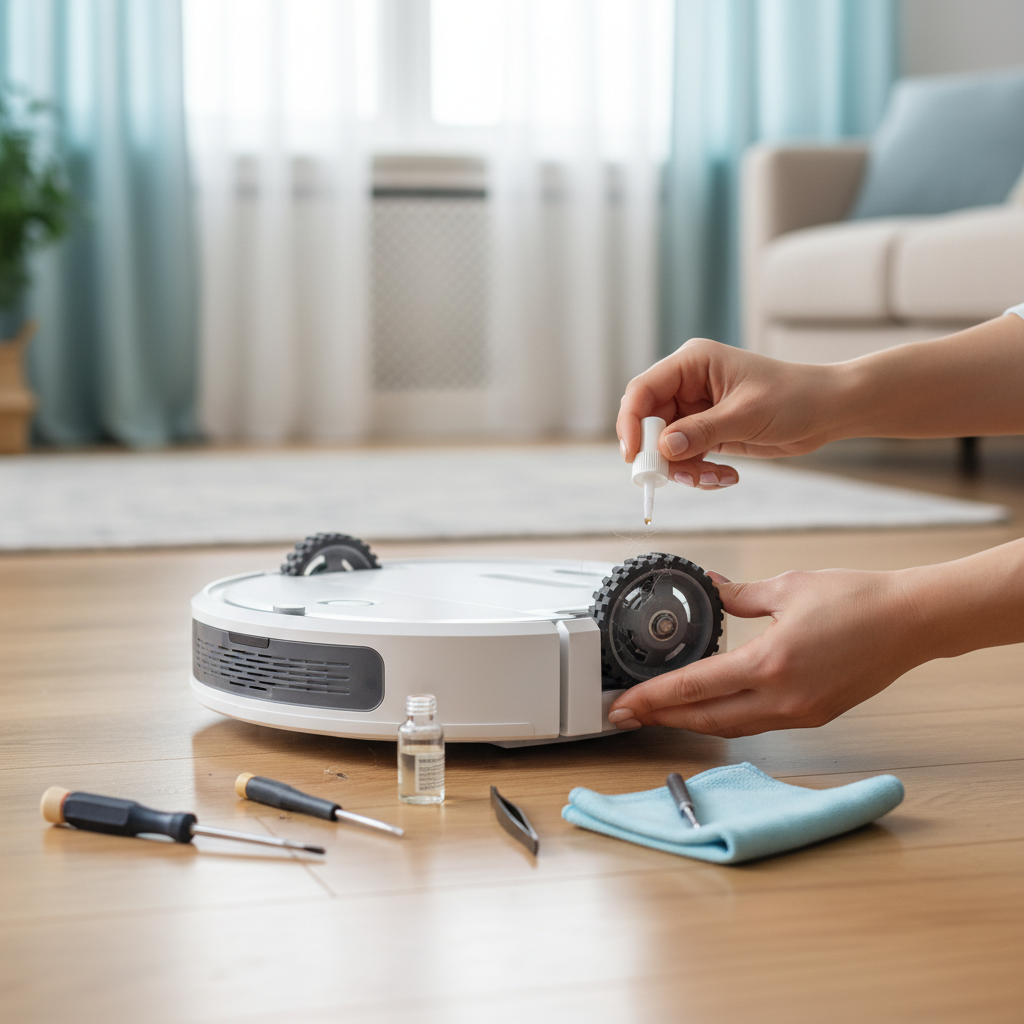
- Clean Brushes, Filters, and Sensors Often: Dust, hair, and debris buildup can significantly increase the workload on your robot’s motor. Clogged filters restrict airflow, while dirty brushes and tangled rollers create resistance. This forces the motor to draw more power, draining the battery faster. Regularly clean the main brush, side brushes, and filters (especially after each use for pet hair), and wipe down sensors with a microfiber cloth.
- Empty the Dustbin: Emptying the dustbin after every cleaning session prevents overfilling, which can impede airflow and force the motor to work harder.
- Inspect Wheels and Rollers: Ensure the wheels and any small rollers are free of tangled hair or debris that could hinder movement, thereby reducing unnecessary battery consumption.
Smart Cleaning Practices
Optimizing how and when your robot cleans can also extend battery life by ensuring efficient power usage.
- Optimize Cleaning Schedules: Utilize your robot vacuum’s scheduling features to run cleaning sessions at optimal times, avoiding excessive, unnecessary runs.
- Use Eco Mode or Manage Suction Power: For lighter cleaning tasks or hard floors, select an “Eco” or lower suction power mode if available. Higher suction settings consume significantly more battery power, so reserve them for heavily soiled areas or carpets.
- Keep Maps Updated and Create No-Go Zones: Ensure your robot’s internal maps are accurate and up-to-date, especially after rearranging furniture. Efficient navigation prevents the robot from getting lost or re-cleaning areas unnecessarily, saving battery power. Use no-go zones to block off areas that don’t require cleaning, like permanent obstacles or specific rooms.
- Remove Clutter and Obstacles: Before a cleaning cycle, clear floors of small items, cables, and other obstacles that could tangle in brushes or cause the robot to get stuck. A robot struggling with obstacles wastes battery power and may not complete its cleaning task.
Environmental Factors and Storage
The environment in which your robot vacuum operates and is stored plays a critical role in its battery’s health.
- Avoid Extreme Temperatures: Li-ion batteries are sensitive to temperature extremes. Storing or operating your robot vacuum in very hot or very cold conditions can accelerate battery degradation. Always keep your robot at room temperature, away from direct sunlight, radiators, or unheated garages.
- Store in a Cool, Dry Place: When not in use, ensure the charging dock and the robot are placed in a cool, dry environment to maintain optimal battery conditions.
Software and Firmware Updates
Manufacturers frequently release firmware updates for robot vacuums to enhance performance, improve navigation, and optimize battery management.
- Stay on Top of Updates: Regularly check your robot vacuum’s companion app for available firmware updates and install them promptly. These updates often include battery optimization improvements that help your device run more efficiently and extend its lifespan.
Signs Your Robot Vacuum Battery is Degrading
Even with the best care, all batteries will eventually degrade. Recognizing the signs of a declining battery will help you know when it’s time for a replacement.
- Decreased Runtime: The most obvious sign is a noticeable reduction in the time your robot can clean on a single charge.
- More Frequent Returns to Dock: If your robot starts needing to recharge multiple times to complete a task it once did easily in one go, the battery is likely weakening.
- Longer Charging Times: While delivering shorter runtimes, a degrading battery might also take unusually long to reach a full charge.
- Unexpected Shutdowns: The robot might suddenly power off mid-cleaning, even if the app indicates some battery life remaining.
- Inaccurate Battery Readings: The battery percentage displayed in the app might fluctuate wildly or give unreliable readings.
- Overheating: While rare, a severely degraded battery might generate excessive heat during operation or charging.
When to Consider Robot Vacuum Battery Replacement
If your robot vacuum is exhibiting clear signs of battery degradation, and it’s impacting its cleaning performance significantly, it’s time to consider a replacement. Check your device’s warranty first, as a failing battery might be covered. If not, research official replacement batteries from the manufacturer or reputable third-party suppliers. For most users, it’s generally advisable to replace the battery with an official or high-quality compatible option rather than attempting complex repairs yourself, ensuring safety and optimal performance.
By diligently following these guidelines, you can significantly extend the life of your robot vacuum’s battery, keeping your cleaning companion operating at its best for years. Small habits can lead to big differences in performance and longevity. What is one battery care tip you plan to implement today to keep your robot vacuum running smoothly?
Frequently Asked Questions
How long do robot vacuum batteries typically last?
On average, a well-maintained lithium-ion robot vacuum battery can last between 1.5 to 3 years. This lifespan can vary based on usage frequency, charging habits, and environmental conditions.
Is it okay to leave my robot vacuum on the charger all the time?
Yes, for most modern robot vacuums with smart charging systems, it is perfectly fine and often recommended to leave them on their charging dock. These systems prevent overcharging and maintain optimal battery health.
What happens if I don’t clean my robot vacuum regularly?
Neglecting regular cleaning can force your robot vacuum’s motor to work harder against resistance from clogged brushes and filters, leading to increased power consumption and faster battery drain, thereby shortening its overall lifespan.
Can extreme temperatures damage my robot vacuum battery?
Absolutely. Both excessively hot and cold temperatures can accelerate the degradation of lithium-ion batteries. It’s best to operate and store your robot vacuum in a cool, dry place at room temperature, away from direct sunlight or heat sources.
Should I replace my robot vacuum’s battery myself?
While some robot vacuum batteries are user-replaceable, it’s crucial to consult your manufacturer’s guide or a qualified technician. Using official replacement parts and ensuring correct installation is vital for safety and to maintain your robot’s performance.