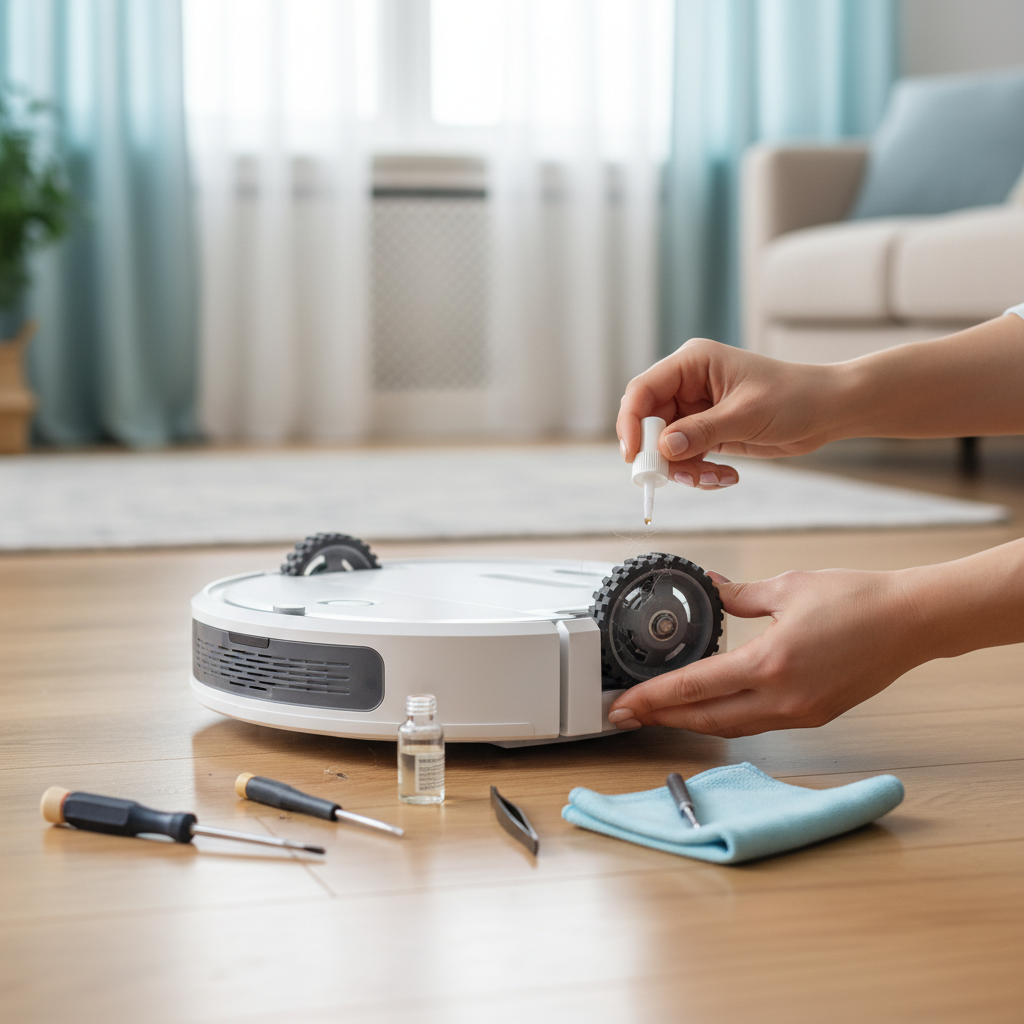
Imagine a home where cleanliness is just a command away, where your voice effortlessly orchestrates the daily tidying. Robot vacuum cleaners have transformed how we maintain our living spaces, and with the advent of smart home integration, particularly with Apple’s Siri, this convenience reaches new heights. For Apple users, connecting their robot vacuum to Siri isn’t just a luxury; it’s a seamless extension of their smart ecosystem, offering unparalleled ease and automation in maintaining a spotless home. This guide will walk you through everything you need to know to choose the perfect Siri-controlled robot vacuum cleaner, ensuring your home stays pristine with just a few spoken words.
What is a Robot Vacuum Cleaner with Siri Voice Control?
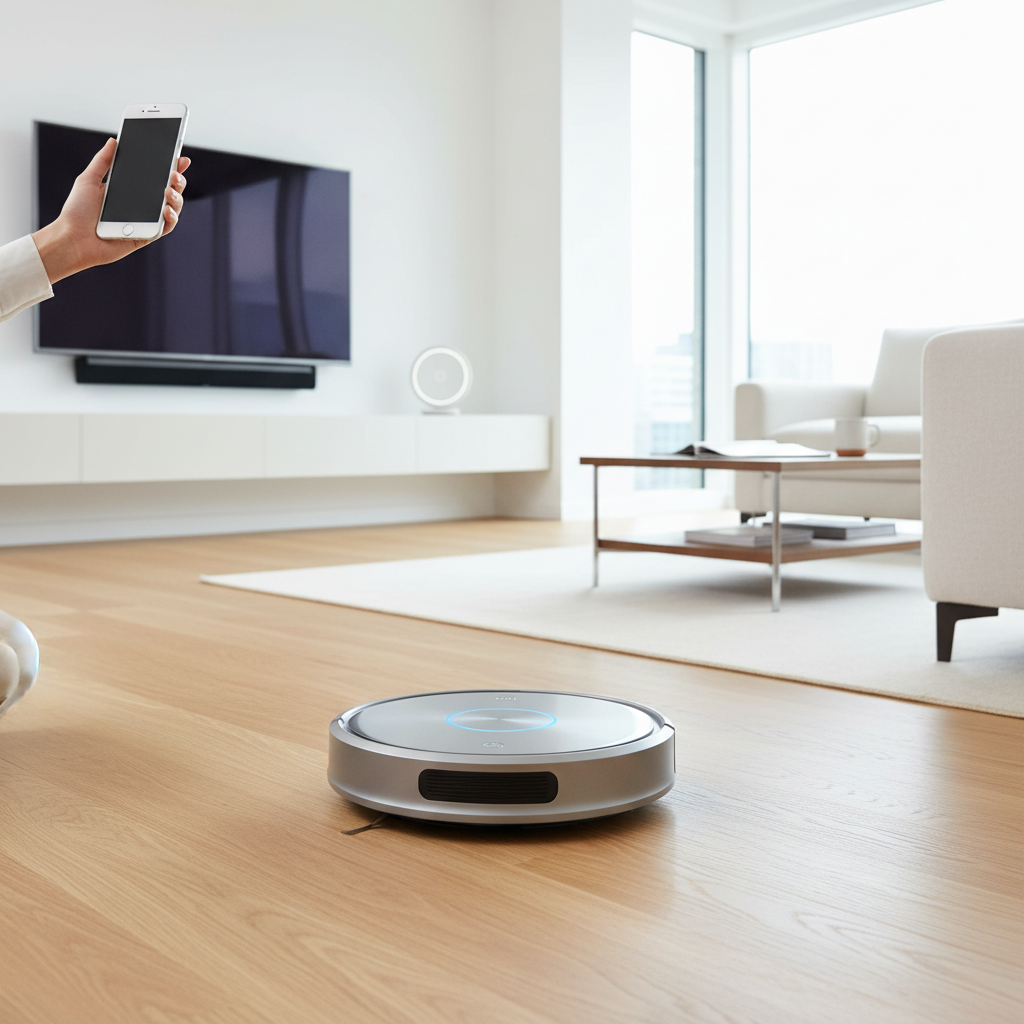
A robot vacuum cleaner is an autonomous device designed to clean floors without direct human intervention. Equipped with sensors, mapping technology, and powerful suction, these devices navigate your home, collecting dust, debris, and pet hair. When we talk about a robot vacuum cleaner with Siri voice control, we’re referring to models that integrate with Apple’s intelligent assistant. This integration typically happens through Siri Shortcuts, allowing you to create custom voice commands to trigger actions within the vacuum’s companion app, such as “Hey Siri, start the vacuum” or “Hey Siri, clean the living room.” While direct Apple HomeKit integration is less common for robot vacuums, Siri Shortcuts offer a robust and highly customizable way to incorporate your cleaning routine into your smart home ecosystem, making hands-free operation a reality.
The Unmatched Benefits of Siri-Controlled Robot Vacuums
Integrating your robot vacuum cleaner with Siri elevates convenience to an entirely new level, fundamentally changing your cleaning routine. The most apparent advantage is the ultimate convenience and hands-free operation. Instead of physically pressing buttons or opening an app, a simple voice command initiates cleaning. This is particularly beneficial when your hands are full, you’re away from your phone, or you simply prefer a more intuitive interaction.
Furthermore, Siri integration offers seamless integration into the Apple ecosystem. For dedicated Apple users, their iPhone, Apple Watch, or HomePod can all become control centers for their cleaning robot, creating a cohesive and connected smart home experience. This leads to enhanced automation through custom Siri Shortcuts. You can create complex routines, for instance, a “Good Morning” shortcut that not only turns on your lights but also starts the vacuum in the kitchen. This level of customization allows your cleaning schedule to blend effortlessly into your daily life. Beyond automation, Siri-controlled robot vacuums provide significant time-saving for daily cleaning routines, handling mundane tasks so you can focus on what matters most. Lastly, it improves accessibility for all users, including those with mobility challenges, making smart home technology truly inclusive.
Essential Features for Siri-Compatible Robot Vacuums
Choosing the right Siri-compatible robot vacuum cleaner involves more than just checking for a “Siri compatible” label. A suite of features works in tandem to deliver an optimal cleaning and user experience.
First and foremost is robust Siri Shortcuts Integration. This feature allows you to define custom voice phrases that trigger specific actions within the robot vacuum’s native app. Look for apps that offer extensive shortcut options, letting you start, stop, pause, send the vacuum to its dock, or even command it to clean specific rooms or zones you’ve mapped. The more customizable the shortcuts, the more control you have with your voice.
A Robust Companion App is the backbone of any smart robot vacuum. It should be user-friendly, reliable, and rich in features. Through the app, you’ll set up Siri Shortcuts, manage maps, define no-go zones, schedule cleanings, and monitor your vacuum’s status. A clunky app will undermine the convenience of Siri control.
Navigation and Mapping technology dictates how efficiently your robot vacuum cleans. Advanced systems like LiDAR (Light Detection and Ranging) or vSLAM (visual Simultaneous Localization and Mapping) create precise maps of your home, enabling systematic cleaning paths and multi-floor mapping capabilities. This precision is vital for effective zone cleaning commands through Siri.
Suction Power is paramount for effective cleaning across various floor types, from hard floors to carpets, and especially for handling pet hair. Expressed in Pascals (Pa), higher suction generally means deeper cleaning.
Battery Life & Recharging ensures your robot can cover your entire home in one go. Longer battery life is beneficial for larger spaces, and the ability to automatically return to its base to recharge and resume cleaning from where it left off is a standard, yet crucial, feature.
The Filter Type significantly impacts indoor air quality. HEPA-style filters are highly recommended as they trap fine dust particles and allergens, making them ideal for allergy sufferers and pet owners.
While the focus here is Siri, also consider Smart Home Integration (Beyond Siri). Many robot vacuums also work with Google Assistant and Amazon Alexa, offering flexibility if you have a mixed smart home ecosystem or prefer other voice assistants for certain tasks.
Finally, look for Specialized Features that enhance convenience. Auto-empty docks can store weeks of debris, freeing you from frequent bin emptying. Mop combos offer dual cleaning functionality. Virtual walls and no-go zones allow you to restrict cleaning to specific areas, and zone cleaning ensures targeted spot cleaning.
Price Spectrum: Finding Your Siri-Ready Robot Vacuum
The market for robot vacuum cleaners with Siri voice control spans a wide range of prices, each segment offering varying levels of features, performance, and sophistication. Understanding these tiers can help you align your expectations with your budget.
Budget-Friendly Options (Typically under $300): In this category, you’ll find robot vacuums that offer basic Siri Shortcut integration, primarily for starting and stopping cleaning cycles. These models usually feature less advanced navigation (e.g., random or zigzag patterns) and may lack detailed mapping capabilities or advanced features like auto-empty docks. They are suitable for smaller homes or specific areas where simple, hands-free cleaning is desired. While they provide the core benefit of voice control, don’t expect highly customized room cleaning via Siri.
Mid-Range Performers (Roughly $300-$700): This segment represents the sweet spot for many users, offering a balanced combination of features and value. Robot vacuums here typically come with more advanced navigation systems like LiDAR or vSLAM, enabling effective mapping and more precise cleaning paths. Siri integration is usually more robust, allowing for commands to clean specific rooms or zones defined within the app. You might also find better suction power, longer battery life, and some specialized features like virtual walls or improved obstacle avoidance. These are great for medium to large homes looking for reliable performance and enhanced Siri control.
Premium Powerhouses (Over $700): At the top end, these models boast cutting-edge technology and comprehensive Siri integration. Expect the most sophisticated navigation, powerful suction for deep cleaning, and advanced features such as auto-empty docks, object avoidance technology, and high-end mopping capabilities. Siri control extends to highly granular commands, often allowing for multi-floor mapping and cleaning preferences for different rooms. These vacuums are designed for large homes, pet owners, and anyone seeking the ultimate in cleaning performance, automation, and seamless smart home integration. They offer the most comprehensive and effortless Siri-controlled cleaning experience available.
Top Robot Vacuums for Seamless Siri Integration
When it comes to seamlessly integrating a robot vacuum into your Apple ecosystem via Siri, certain models stand out for their robust app support and Siri Shortcut capabilities. Here are a few top contenders:
1. iRobot Roomba j7+ / s9+ Series
iRobot’s Roomba series, particularly the j7+ and s9+, offers excellent Siri integration through the iRobot Home app. The app allows users to create custom Siri Shortcuts for various commands like “Hey Siri, clean the house,” “Hey Siri, clean the kitchen,” or “Hey Siri, send Roomba home.” The j7+ excels with its PrecisionVision Navigation, which can identify and avoid obstacles like pet waste and charging cables, making for a truly hands-off experience. The s9+ provides exceptional suction power for deep cleaning and multi-floor mapping. Both models benefit from an auto-empty dock, significantly reducing maintenance.
- Siri Capabilities: Extensive Siri Shortcuts via iRobot Home app for starting, stopping, sending to dock, and cleaning specific rooms/zones.
- Pros: Outstanding obstacle avoidance (j7+), powerful suction (s9+), reliable app, auto-empty dock, consistent performance.
- Cons: No mopping functionality, premium price point.
2. Roborock S7 MaxV Ultra
The Roborock S7 MaxV Ultra is a premium option that combines powerful vacuuming with advanced sonic mopping. Its ReactiveAI 2.0 obstacle avoidance and LiDAR navigation ensure precise mapping and efficient cleaning. The Roborock app supports a wide array of Siri Shortcuts, allowing you to control cleaning modes, start/stop, and even specific room cleaning with your voice. The Ultra dock takes convenience to another level, automatically emptying dust, refilling water for mopping, and cleaning the mop.
- Siri Capabilities: Comprehensive Siri Shortcuts via Roborock app for cleaning modes, area cleaning, start/stop.
- Pros: Excellent vacuuming and mopping, advanced obstacle avoidance, self-emptying/refilling/mop washing dock, precise navigation.
- Cons: Very high price point, app can be complex for new users.
3. Eufy RoboVac X8 Hybrid
The Eufy RoboVac X8 Hybrid offers a compelling mid-range option with dual-turbine suction power for enhanced cleaning, especially useful for pet hair, and includes a mopping function. Its iPath Laser Navigation ensures systematic cleaning and accurate mapping. The eufyHome app provides solid Siri Shortcut integration, allowing users to initiate cleaning, pause, and send the vacuum back to its station with voice commands. It’s a great choice for those seeking powerful suction and mopping at a more accessible price.
- Siri Capabilities: Siri Shortcuts via eufyHome app for basic commands like start, stop, charge.
- Pros: Strong suction power, combines vacuuming and mopping, good value for money, reliable navigation.
- Cons: Siri Shortcuts might be less granular than premium models, smaller dustbin compared to some competitors.
Comparative Overview: Siri-Ready Robot Vacuums
| Criteria | iRobot Roomba j7+ | Roborock S7 MaxV Ultra | Eufy RoboVac X8 Hybrid |
|---|---|---|---|
| Price | $$$$ | $$$$$ | $$ |
| Siri Integration | Siri Shortcuts via iRobot Home App | Siri Shortcuts via Roborock App | Siri Shortcuts via eufyHome App |
| Navigation | PrecisionVision Navigation + vSLAM | LiDAR + ReactiveAI 2.0 | iPath Laser Navigation |
| Suction Power | Strong | Very Strong (5100 Pa) | Strong (2×2000 Pa) |
| Battery Life | Up to 75 minutes | Up to 180 minutes | Up to 180 minutes |
| Auto-Empty Dock | Yes (included) | Yes (included with Ultra) | No |
| Mopping | No | Yes (Sonic Mopping) | Yes |
| Key Advantages | Superior object avoidance, iRobot ecosystem | Best-in-class mopping, advanced obstacle avoidance, comprehensive dock | Dual-turbine suction, integrated vacuum & mop, good value |
| Considerations | No mopping, premium price | Highest price point, app can be intricate | Siri shortcuts less granular, no auto-empty dock |
Your Smart Buying Guide for Siri-Controlled Robot Vacuums
Purchasing a robot vacuum cleaner that integrates seamlessly with Siri is an investment in convenience and a cleaner home. To ensure you make the best choice, consider these crucial steps:
1. Define Your Cleaning Needs: Start by assessing your home. Do you have primarily hard floors, carpets, or a mix? Is pet hair a major concern? How large is your living space? Understanding these factors will guide your choices regarding suction power, battery life, and specialized features like mopping.
2. Prioritize Siri Integration: Not all “smart” vacuums offer the same level of Siri control. Look specifically for models that support Siri Shortcuts through their companion app. Read reviews that discuss the ease of setting up these shortcuts and the range of commands available. Ensure the app itself is user-friendly and reliable, as it forms the bridge for Siri control.
3. Read Expert Reviews and User Feedback: Go beyond manufacturer claims. Consult reputable tech review sites and read user testimonials. Pay close attention to comments regarding Siri functionality, app stability, and overall cleaning performance in real-world scenarios. This will give you insights into the actual user experience with voice control.
4. Set a Realistic Budget: Robot vacuums with advanced Siri features can range significantly in price. Determine how much you’re willing to spend and understand the trade-offs at different price points. A higher budget often translates to more sophisticated navigation, stronger suction, and greater Siri command granularity.
5. Check for Ecosystem Compatibility: While Siri is the focus, consider if the robot vacuum also integrates well with other parts of your smart home, such as smart lights or security systems. A cohesive smart home ecosystem enhances the overall convenience.
6. Evaluate Warranty and Customer Support: Like any smart device, you’ll want solid warranty coverage and responsive customer support. This is particularly important for troubleshooting potential connectivity or software issues that can arise with smart home integration. Always verify the manufacturer’s reputation for after-sales service.
“Integrating your robot vacuum with Siri isn’t just about turning it on and off with your voice; it’s about embedding your cleaning routine into the fabric of your daily life, making smart cleaning an effortless habit.” – Admin, ReviewEvoli, Robot Vacuum Expert
Conclusion
Embracing a robot vacuum cleaner with Siri voice control marks a significant step towards a more intelligent and effortless home. The ability to command your cleaning routine with a simple spoken phrase transforms a mundane chore into an act of seamless automation, offering unparalleled convenience for busy individuals and tech enthusiasts alike. By understanding the core features, comparing top models, and following a thoughtful buying guide, you can confidently select a device that not only keeps your home spotless but also integrates perfectly into your Apple-centric smart home ecosystem. The era of hands-free, voice-controlled cleaning is here, making daily upkeep simpler and more intuitive than ever before. What specific Siri Shortcuts do you envision for your ideal robot vacuum cleaning routine?
Frequently Asked Questions
Can all robot vacuums work with Siri?
|
Our Picks for the Best Robot vacuum cleaner in 2026
As an Amazon Associate I earn from qualifying purchases.
|
||
| Num | Product | Action |
|---|---|---|
| 1 | Tikom Robot Vacuum and Mop, 6000Pa Robotic Vacuum Cleaner with Self-Emptying Base, 90 Days Capacity, LiDAR Navigation, Home Mapping, Ideal for Pet Hair, Hard Floors, Carpet (L8000 Plus) |

|
| 2 | Shark Matrix Clean | Robot Vacuum Cleaner with Powerful Suction for Pet Hair, Rugs, Carpets & Hard Floors | Self-Empty Base | 60-Day Capacity | Voice Control | LiDAR Navigation | Cool Grey | AV2511AE |
|
| 3 | roborock Q7 M5+ Robot Vacuum and Mop, Upgraded from Q5 Max+, Up to 7-9 Weeks Self-Empty, 10000Pa Suction, Dual Anti-Tangle System for Pet Hair & Carpet, PreciSense LiDAR Navigation, App Control, Black |
|
| 4 | eufy Robot Vacuum 11S MAX, Super Thin, Powerful Suction, Quiet, Self-Charging Robotic Vacuum Cleaner, Cleans Hard Floors to Medium-Pile Carpets, Black |
|
| 5 | roborock Qrevo Series Robot Vacuum and Mop, 8000Pa Suction, Upgraded from Qrevo S, Anti-Tangle Brushes, Smart Obstacle Avoidance, Auto Mop Washing, All-in-One Dock, 200RPM Spinning Mops, Black(QV 35A) |
|
| 6 | Tikom Robot Vacuum and Mop Combo, 5000Pa Robotic Vacuum Cleaner, 150 Min Max, App & Remote Control, Ideal for Hard Floor, Carpet, Pet Hair, Self-Charge(G8000 Max) |
|
| 7 | ILIFE V2 Robot Vacuum Cleaner, Tangle-Free Suction, 120 Mins Runtime, Slim, Self-Charging Robotic Vacuum Cleaner, Ideal for Pet Hair and Hard Floors |
|
| 8 | Robot Vacuum and Mop, Mapping Robotic Vacuums Cleaner with LiDAR Navigation Smart & Strong Suction, WiFi/App/Alexa/Voice Control, Obstacle Avoidance, for Home, Wood/Hard Floors, Pet Hair -Gray |
|
| 9 | Robot Vacuum and Mop Combo, 2 in 1 Robot Vacuum Cleaner with WiFi/App, Smart Robotic Vacuums with Strong Suction, Schedule, Self-Charging, Slim, Quiet, Ideal for Hard Floor, Pet Hair, Low Pile Carpet |
|
| 10 | SHELIKI Robot Vacuum and Mop Combo, 3-in-1 Robotic Vacuums Cleaner with 70-Day Self-Emptying Base, LiDAR Navigation Smart Mapping & Strong 6000Pa Suction, for Pet Hair, Hard Floor, Carpet |
|
No, not all robot vacuums are compatible with Siri. Integration typically requires the vacuum’s companion app to support Apple’s Siri Shortcuts, allowing users to create custom voice commands. Always check the product specifications and app features before purchasing to ensure Siri compatibility.
How do I set up Siri Shortcuts for my robot vacuum?
Setting up Siri Shortcuts usually involves going into the robot vacuum’s native mobile app, looking for a “Siri Shortcuts” or “Integrations” section, and then creating custom phrases for actions like “start cleaning,” “pause,” or “send to dock.” These shortcuts are then accessible via Siri on your Apple devices.
Is HomeKit support the same as Siri control for robot vacuums?
While both involve Apple technology, they are not quite the same for robot vacuums. Most robot vacuums utilize Siri Shortcuts, which allow custom voice commands to trigger app actions. True Apple HomeKit integration for robot vacuums is less common, as HomeKit typically requires direct certification and offers a more standardized, deeper level of smart home control.
What are the best Siri commands for robot vacuums?
The best Siri commands are those that offer the most convenience for your routine. Common and highly useful commands include “Hey Siri, start the vacuum,” “Hey Siri, stop cleaning,” “Hey Siri, send the vacuum home,” and if supported, “Hey Siri, clean the living room.” Customizing these in the app allows for personalized control.
Are Siri-controlled robot vacuums worth the extra cost?
For Apple users deeply integrated into the ecosystem, the convenience and seamless automation offered by Siri-controlled robot vacuums can be well worth the investment. The ability to manage cleaning tasks with voice commands from any Apple device adds significant value and simplifies daily chores, enhancing the overall smart home experience.