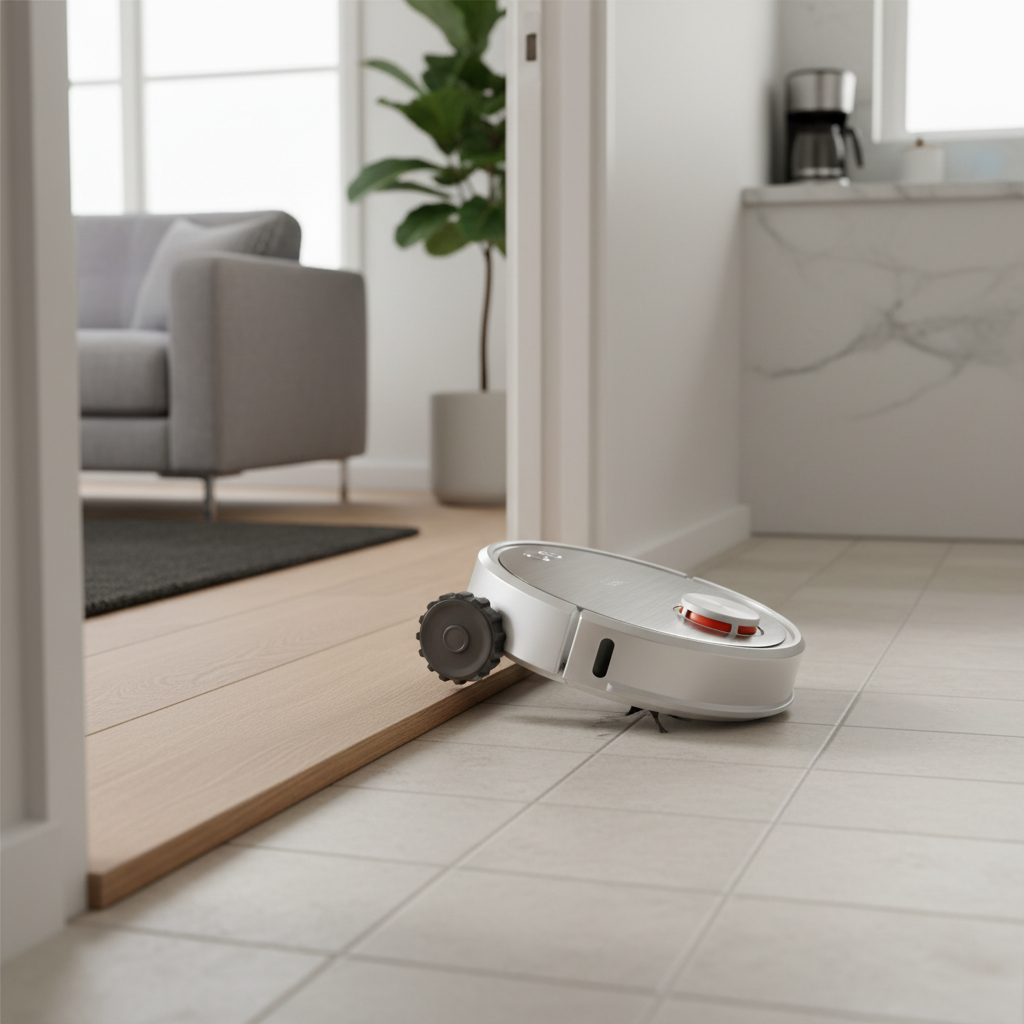
The convenience of a robot vacuum cleaner is undeniable – until it starts acting erratically. Few things are more frustrating than seeing your trusty cleaning companion repeatedly spin in circles, seemingly lost and unable to complete its task. This common issue can leave you puzzled, wondering if your intelligent device has suddenly lost its mind. But don’t despair; this behavior often points to a few common culprits that, with a bit of troubleshooting, can be easily resolved. This comprehensive guide will help you diagnose why your robot vacuum is spinning in circles and provide step-by-step solutions to get it back on track, ensuring your floors stay spotless without the endless pirouettes.
What is a Robot Vacuum Cleaner?
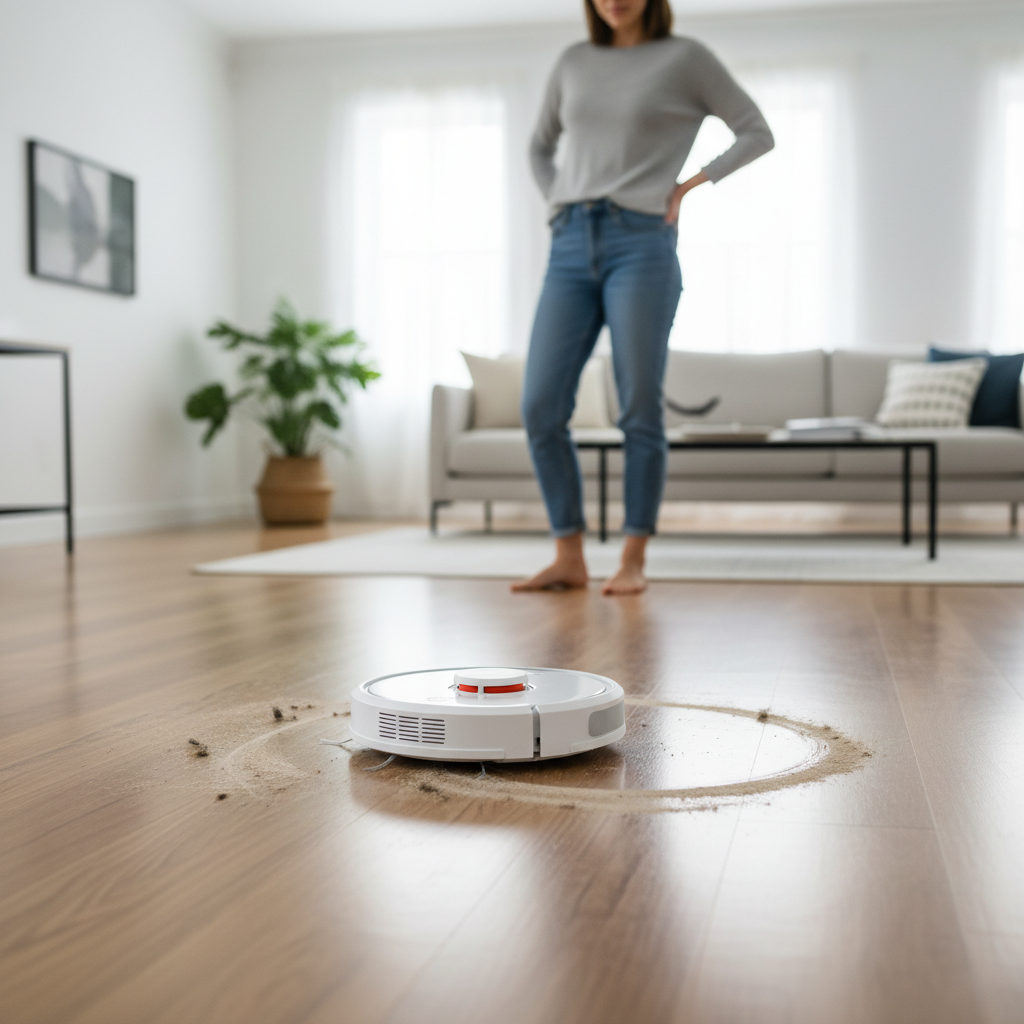
A robot vacuum cleaner is an autonomous device designed to clean floors with minimal human intervention. Equipped with various sensors, brushes, and a vacuum motor, these devices navigate homes, pick up dirt and debris, and often return to a charging dock on their own. For navigation, they rely heavily on a combination of components: drive wheels for movement, bumper sensors for detecting physical obstacles, cliff sensors to prevent falls, and advanced mapping sensors like LiDAR or cameras to build a virtual map of your space. These intricate systems work in tandem to ensure efficient and thorough cleaning paths.
Why Do Robot Vacuums Spin in Circles? Understanding the Core Problem
When your robot vacuum begins to spin in circles, it’s typically a sign that its internal navigation system is receiving conflicting or incorrect information, causing it to overcompensate in one direction. Several factors can contribute to this disorienting behavior.
One of the most frequent causes is issues with the wheel encoders or motors. Each drive wheel on your robot vacuum contains a small encoder sensor that precisely tracks how far and fast that wheel has turned. “If one of the encoders is dirty, blocked or faulty, the robot will think one of the wheels isn’t moving correctly and will keep turning in circles,” explains Tatyana Dimitrova, appliance maintenance expert at Fantastic Services. Debris like hair, dust, or carpet fibers can easily get tangled around the wheel axles or within the wheel assembly itself, hindering its movement and sending erroneous signals to the robot’s brain. A physically damaged wheel or a failing motor can also prevent one wheel from turning properly, leading to continuous circling.
Another significant contributor is dirty or obstructed sensors. Robot vacuums are covered in sensors – infrared, ultrasonic, cliff, and sometimes camera or LiDAR sensors – all vital for understanding their environment. If these sensors become covered with dust, dirt, or even smudges, they can misinterpret surroundings. “When sensors are dirty, the vacuum may mistakenly detect non-existent blockages and attempt to navigate around them,” states a spokesperson from Ecovacs. For example, a dirty cliff sensor might falsely detect a drop-off, causing the robot to continuously back up and turn. Similarly, obstructed bumper or obstacle sensors can make the robot believe it’s constantly hitting something, initiating a perpetual turning motion.
Software glitches and navigation errors can also be a culprit. Like any complex electronic device, robot vacuums rely on sophisticated algorithms for path planning and obstacle avoidance. Minor bugs in the firmware or a corrupted cleaning map can confuse the robot, leading to illogical movements such as endless spinning. Sometimes, connectivity issues, especially after changing Wi-Fi settings or phone apps, can disrupt communication between the robot and its control system, impacting navigation.
Lastly, environmental obstacles or even specific types of flooring can sometimes trick a robot vacuum. Intricately patterned carpets, thick rugs, or highly reflective surfaces can confuse optical sensors, causing the robot to struggle with navigation. Extremely dirty or oily carpets can also create resistance, making it difficult for wheels to gain traction and move uniformly.
The Critical Features for Smooth Navigation
While troubleshooting, it’s helpful to understand the features designed for smooth navigation, as these are often the areas where problems arise.
- Advanced Navigation Systems: High-end models often use LiDAR (Laser Detection and Ranging) or V-SLAM (Visual Simultaneous Localization and Mapping) cameras to create precise maps of your home. These systems allow the robot to “see” and understand its layout, minimizing aimless wandering and improving efficiency. Simpler models rely on infrared or bumper sensors.
- Robust Wheel Design and Motors: The quality of the drive wheels and their individual motors is paramount. Well-designed wheels offer better traction on various surfaces, and durable motors ensure consistent movement, which is critical for accurate navigation. Each wheel typically has an independent motor and encoder for precise control.
- Comprehensive Sensor Array: Beyond basic bumper sensors, a full suite of cliff sensors, obstacle sensors, and anti-drop sensors ensures the robot can detect edges, furniture, and other hazards without constant collisions or falls. These sensors are vital for preventing it from getting stuck or damaged.
- Connectivity and App Control: Most modern robot vacuums connect to a companion app via Wi-Fi. This connectivity is not just for scheduling but also for receiving firmware updates that can fix navigation bugs, accessing diagnostic modes, and even providing real-time maps that can highlight problematic areas.
Step-by-Step Fixes for a Spinning Robot Vacuum
When your robot vacuum starts its unwanted dance, don’t panic. Follow these steps to diagnose and fix the issue.
Step 1: Inspect and Clean Wheels & Axles
|
Our Picks for the Best Robot vacuum cleaner in 2026
As an Amazon Associate I earn from qualifying purchases.
|
||
| Num | Product | Action |
|---|---|---|
| 1 | Robot Vacuum and Mop Combo, 2 in 1 Robot Vacuum Cleaner with WiFi/App, Smart Robotic Vacuums with Strong Suction, Schedule, Self-Charging, Slim, Quiet, Ideal for Hard Floor, Pet Hair, Low Pile Carpet |

|
| 2 | Tikom Robot Vacuum and Mop Combo, 5000Pa Robotic Vacuum Cleaner, 150 Min Max, App & Remote Control, Ideal for Hard Floor, Carpet, Pet Hair, Self-Charge(G8000 Max) |
|
| 3 | Robot Vacuum and Mop, Mapping Robotic Vacuums Cleaner with LiDAR Navigation Smart & Strong Suction, WiFi/App/Alexa/Voice Control, Obstacle Avoidance, for Home, Wood/Hard Floors, Pet Hair -Gray |
|
| 4 | roborock Qrevo Series Robot Vacuum and Mop, 8000Pa Suction, Upgraded from Qrevo S, Anti-Tangle Brushes, Smart Obstacle Avoidance, Auto Mop Washing, All-in-One Dock, 200RPM Spinning Mops, Black(QV 35A) |
|
| 5 | ILIFE V2 Robot Vacuum Cleaner, Tangle-Free Suction, 120 Mins Runtime, Slim, Self-Charging Robotic Vacuum Cleaner, Ideal for Pet Hair and Hard Floors |
|
| 6 | Tikom Robot Vacuum and Mop, 6000Pa Robotic Vacuum Cleaner with Self-Emptying Base, 90 Days Capacity, LiDAR Navigation, Home Mapping, Ideal for Pet Hair, Hard Floors, Carpet (L8000 Plus) |
|
| 7 | SHELIKI Robot Vacuum and Mop Combo, 3-in-1 Robotic Vacuums Cleaner with 70-Day Self-Emptying Base, LiDAR Navigation Smart Mapping & Strong 6000Pa Suction, for Pet Hair, Hard Floor, Carpet |
|
| 8 | Shark Matrix Clean | Robot Vacuum Cleaner with Powerful Suction for Pet Hair, Rugs, Carpets & Hard Floors | Self-Empty Base | 60-Day Capacity | Voice Control | LiDAR Navigation | Cool Grey | AV2511AE |
|
| 9 | roborock Q7 M5+ Robot Vacuum and Mop, Upgraded from Q5 Max+, Up to 7-9 Weeks Self-Empty, 10000Pa Suction, Dual Anti-Tangle System for Pet Hair & Carpet, PreciSense LiDAR Navigation, App Control, Black |
|
| 10 | eufy Robot Vacuum 11S MAX, Super Thin, Powerful Suction, Quiet, Self-Charging Robotic Vacuum Cleaner, Cleans Hard Floors to Medium-Pile Carpets, Black |
|
The most common cause of spinning is obstructed wheels.
- Turn off your robot vacuum and flip it over.
- Examine both drive wheels thoroughly. Look for any hair, thread, pet fur, or debris wrapped around the axles or lodged in the wheel well.
- Manually spin each wheel forward and backward. Do they move freely and smoothly? Does one feel stiffer than the other, or do you hear any grinding sounds?
- Carefully remove any tangled debris using tweezers, a small brush, or even a pair of scissors. Be gentle to avoid damaging the components.
- Clean the wheel shafts with a dry cloth or cotton swab to remove any accumulated dust or grime that might be interfering with the encoder sensors.
Step 2: Clean All Sensors
Dirty sensors can trick your robot into thinking it’s hitting an obstacle or falling.
- Identify all sensor locations. These typically include:
- Cliff sensors: Small circular windows usually located on the underside, near the edges.
- Bumper sensors: Often infrared sensors located behind the front bumper, visible as small openings.
- Wall sensors: Sometimes located on the side for wall following.
- Dust sensors: Some models have these to detect heavily soiled areas.
- Camera/LiDAR (if applicable): A raised dome or a small camera lens on top.
- Gently wipe each sensor clean with a dry, soft microfiber cloth or a cotton swab. Avoid using harsh chemicals or abrasive materials, as these can damage the sensor lenses.
- Ensure no dust or smudges remain on any sensor surface.
Step 3: Perform a Reset (Soft & Hard)
A simple reset can often clear temporary software glitches.
- Soft Reset: Turn off the robot vacuum completely, unplug it from its charging base, and remove the battery (if easily accessible and designed for user removal). Wait for a minute or two, then reassemble and power it back on.
- Hard Reset / Factory Reset: If a soft reset doesn’t work, consult your robot vacuum’s manual for instructions on performing a factory reset. This will restore the device to its original settings, often resolving deeper software issues. Be aware that this might delete saved maps, requiring the robot to re-map your home.
Step 4: Check for Firmware Updates
Manufacturers frequently release firmware updates to improve navigation, fix bugs, and enhance performance.
- Open your robot vacuum’s companion app on your smartphone or tablet.
- Navigate to the settings or “About” section.
- Look for an option to check for firmware updates. If an update is available, download and install it according to the app’s instructions. Ensure your robot is on its charging base and has sufficient battery during the update process.
Step 5: Address Environmental Factors
Sometimes the problem isn’t with the robot itself but its environment.
- Clear obstacles: Ensure the cleaning area is free of loose cables, small rugs, or clutter that could snag the wheels or confuse sensors.
- Manage problematic carpets: If your robot struggles on a specific type of carpet (e.g., long-pile, very dark, or intricately patterned), consider using virtual walls or no-go zones (if your model supports them) to restrict access to those areas.
- Ensure good lighting: For models that rely on cameras, dim lighting can affect navigation accuracy.
Step 6: Advanced Troubleshooting (When Other Fixes Fail)
If the above steps don’t resolve the issue, you might be dealing with a more significant hardware problem.
- Diagnostic Mode: Some advanced robot vacuums have a diagnostic mode accessible through their app or a specific button sequence. This mode can often pinpoint specific error codes related to wheel motors or sensors. Consult your manual for details.
- Replace Faulty Components: If a specific wheel motor, sensor, or even a caster wheel is confirmed to be faulty after inspection or diagnostic tests, it might need replacement. Many manufacturers offer replacement parts, or third-party options might be available.
- Examine Battery: While less common for spinning, a failing battery, especially a non-original one, has been reported to cause erratic behavior in some models. If you recently replaced the battery with a third-party option, consider switching back to an original manufacturer battery if possible.
- Contact Customer Support: If all else fails, reach out to the manufacturer’s customer support. Provide them with a detailed description of the issue and the steps you’ve already taken. They may offer further diagnostics, repair services, or a replacement under warranty.
Prevention: Keeping Your Robot Vacuum Running Smoothly
Regular maintenance is key to preventing your robot vacuum from spinning in circles and ensuring its longevity.
- Establish a Cleaning Routine: Make it a habit to regularly clean your robot vacuum. This isn’t just about emptying the dustbin; it includes wiping down sensors, clearing brushes, and inspecting wheels. Aim for a quick check after every few cleaning cycles and a more thorough cleaning monthly.
- Pre-Clean Your Space: Before running your robot, quickly scan the floor for potential hazards like loose cables, small toys, or thick rugs that could cause it to get stuck or tangled.
- Perform Routine Inspections: Periodically lift your robot vacuum and manually check the wheels for smooth rotation and any signs of debris. Inspect the caster wheel for hair buildup as well.
Conclusion
A robot vacuum that spins in circles can be a puzzling and annoying problem, but it’s rarely a sign of irreparable damage. In most cases, the issue stems from easily fixable causes such as obstructed wheels, dirty sensors, or minor software glitches. By systematically working through the inspection and cleaning steps, performing resets, and keeping your device’s software up to date, you can often restore your robot vacuum to its optimal cleaning performance. Remember that consistent maintenance and a clear understanding of its navigation components are your best defense against these frustrating circular dances. Regular care not only resolves issues but also extends the life of your device, ensuring it remains a helpful hand in your home. What common maintenance tip has saved you the most hassle with your robot vacuum?
Frequently Asked Questions
Why is my Roomba only going in circles?
If your Roomba is primarily spinning in circles, the most likely culprits are debris tangled in its drive wheels or dirty cliff/bumper sensors. Debris can prevent a wheel from turning properly, while obstructed sensors can trick the Roomba into detecting non-existent obstacles, causing it to overcorrect and spin continuously. Cleaning the wheels and all sensors is usually the first step to resolve this.
How often should I clean my robot vacuum’s sensors?
The frequency of sensor cleaning depends on your home environment and how often you use your robot vacuum. For daily use in a home with pets or high dust, cleaning sensors weekly is advisable. In less demanding environments, a monthly cleaning might suffice. Always check them if you notice any navigation issues.
Can a low battery make my robot vacuum spin?
While a critically low battery typically sends a robot vacuum back to its charging base or causes it to shut down, some users have reported that a deteriorating or non-original battery might contribute to erratic navigation, including spinning. If other troubleshooting steps fail, and you suspect battery issues, checking its health or replacing it with an OEM part could be a consideration.
What are wheel encoder sensors?
Wheel encoder sensors are small devices located within your robot vacuum’s drive wheels that track the wheel’s rotation. They send signals to the robot’s main processor, informing it how far each wheel has moved. This data is crucial for accurate navigation, allowing the robot to maintain a straight path and map its environment effectively.